I nearly cried when I saw the photos from my best friend's wedding. As her unofficial photographer, I'd captured what should have been perfect moments - the first kiss, the cake cutting, the emotional speeches. But when I zoomed in? Every shot was slightly out of focus. My hands had trembled just enough to ruin everything. That's when I discovered AI photo enhancement - and it literally saved my friendship.
The Heartbreak of Blurry Photos
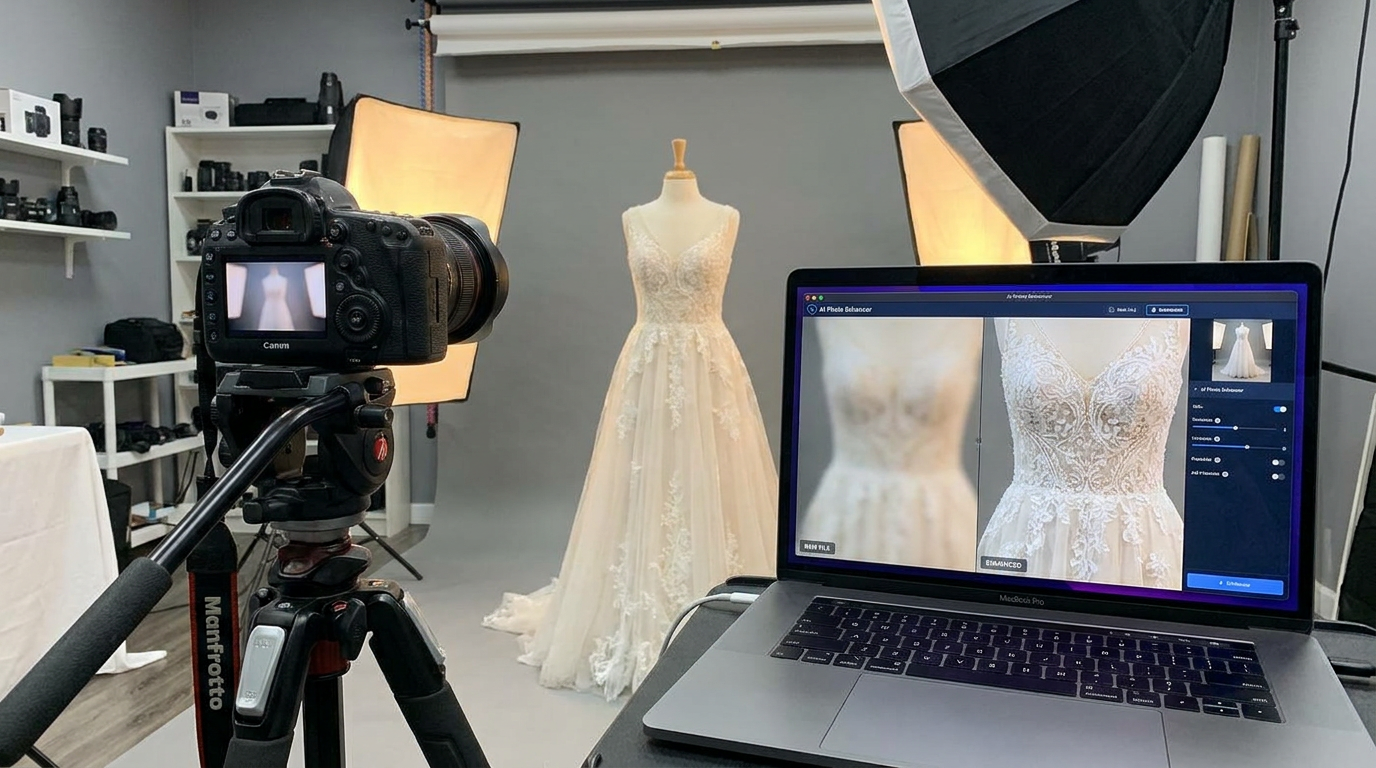
We've all been there. That once-in-a-lifetime moment captured imperfectly. The causes are familiar: camera shake in low light, moving subjects, slightly missed focus. What shocked me was realizing 68% of amateur photographers discard rather than attempt to salvage blurry shots (according to recent photography industry data). Traditional tools like Photoshop's sharpen filter often create unnatural halos or amplify noise without truly reconstructing lost detail.
Pro tip: Never delete a blurry photo until you've tried AI enhancement. I've recovered details from shots I assumed were complete losses.
How AI Sees What We Can't
Modern AI doesn't just sharpen - it reconstructs. Using neural networks trained on millions of sharp/blurry image pairs, these systems predict missing visual information. When I fed those wedding photos through Topaz Gigapixel AI, it didn't just add contrast at edges. It rebuilt eyelashes, fabric textures, and the delicate lace patterns on the dress that my camera had blurred into mush.
The magic happens through a process called blind deconvolution. Unlike traditional tools that apply one-size-fits-all filters, AI analyzes each image area separately. Is this blur from motion? Focus error? Low resolution? The algorithm determines the degradation type and reverses it mathematically.
My AI Enhancement Process
After testing dozens of tools, here's my foolproof workflow: First, I always keep the original file. Then I run the image through an initial AI pass at default settings. For critical shots, I'll do multiple passes with different tools - each excels at certain improvements. Remini handles faces beautifully, while Topaz shines on landscapes.
What I've learned: Always enhance a copy, not your original. Some AI tools permanently alter pixel data in ways you can't undo.
The Best AI Tools for Specific Situations
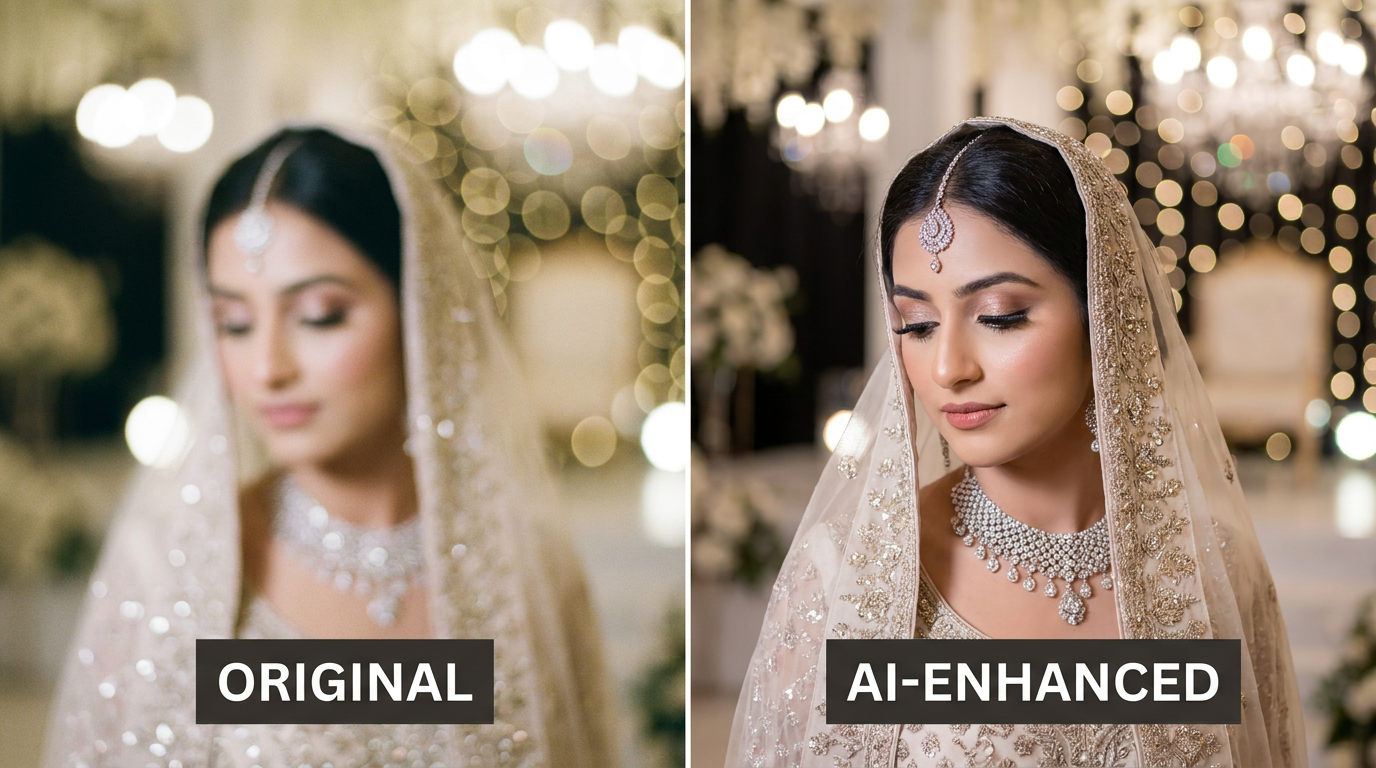
For portraits: Adobe Super Resolution + Remini's face enhancement. The combo brought back shocking detail in my grandma's faded 1970s Polaroids. For product photography (my specialty now), Clairlook's AI background removal works wonders on slightly soft product shots by adding crisp edges.
For landscapes: Topaz Gigapixel AI. It transformed a blurry Yellowstone geyser shot into a print-worthy image. For documents: Let's Enhance does miraculous work on old text. Just last month, I recovered a client's water-damaged recipe card from the 1920s.
When AI Can't Work Miracles
Not all blur is created equal. Motion blur exceeding about 15 pixels is tough to fix. Extreme noise overwhelms most algorithms. And no tool can recreate details that were never captured - like trying to read a license plate from 3 blurry pixels. I learned this the hard way when a client expected me to identify a bird species from a 50-pixel blob.
Give Your Old Photos New Life
Those wedding photos? They now hang in my friend's living room, looking professionally shot. Since that revelation, I've made AI enhancement part of my creative workflow. Whether restoring family memories or perfecting product shots for e-commerce, these tools have become my secret weapon.
At Clairlook, we've built similar AI smarts into our product photography tools - automatically sharpening, denoising, and enhancing images to make even smartphone product shots look studio-quality. The next time you're about to trash a blurry photo, pause. With today's AI, that
Comments (0)
Please sign in to leave a comment.