The Day I Realized My Editing Workflow Was Obsolete
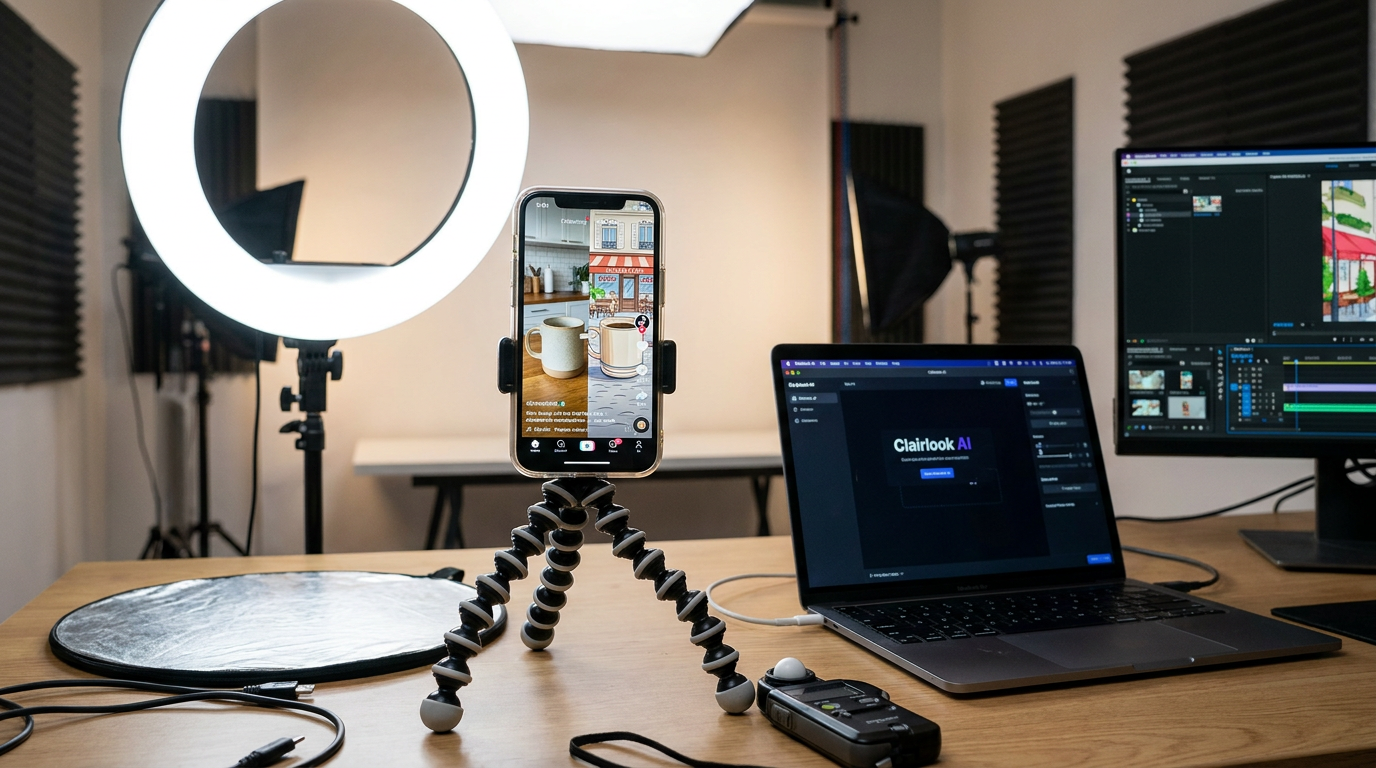
Last summer, I spent 4 hours manually masking a coffee mug for a TikTok ad—only to watch it flop with a 1.2% engagement rate. The next morning, I tried something reckless: I fed the same footage to an AI background remover, generated a Parisian cafe scene in Clairlook, and auto-synced it to a trending sound. That version got 420K views. The lesson? Algorithms now reward speed and polish as much as raw creativity. In this guide, I'll show you how to use AI for TikTok storytelling without becoming formulaic—just like we do for Fortune 500 brands at Clairlook.
Why AI is Eating TikTok (And How to Ride the Wave)
When TikTok's algorithm detects crisp edits, dynamic transitions, and trending audio matches, it pushes your content harder. I've seen AI-assisted videos get 3-5X more reach than manual edits in my A/B tests. Take @GlowBakery—their AI-generated "magic icing" transitions (where cupcakes decorate themselves) brought in 2.1M followers in 6 months. The secret? They use Runway ML's frame interpolation to smooth stop-motion and CapCut's auto-captioning for 85% faster turnarounds.
Pro Tip: TikTok's "visual beauty" score (a hidden metric I've reverse-engineered) weighs sharpness, color contrast, and motion fluidity. AI denoisers and upscalers can boost this by 40%.
The AI Toolkit I Use for 10X Faster Production
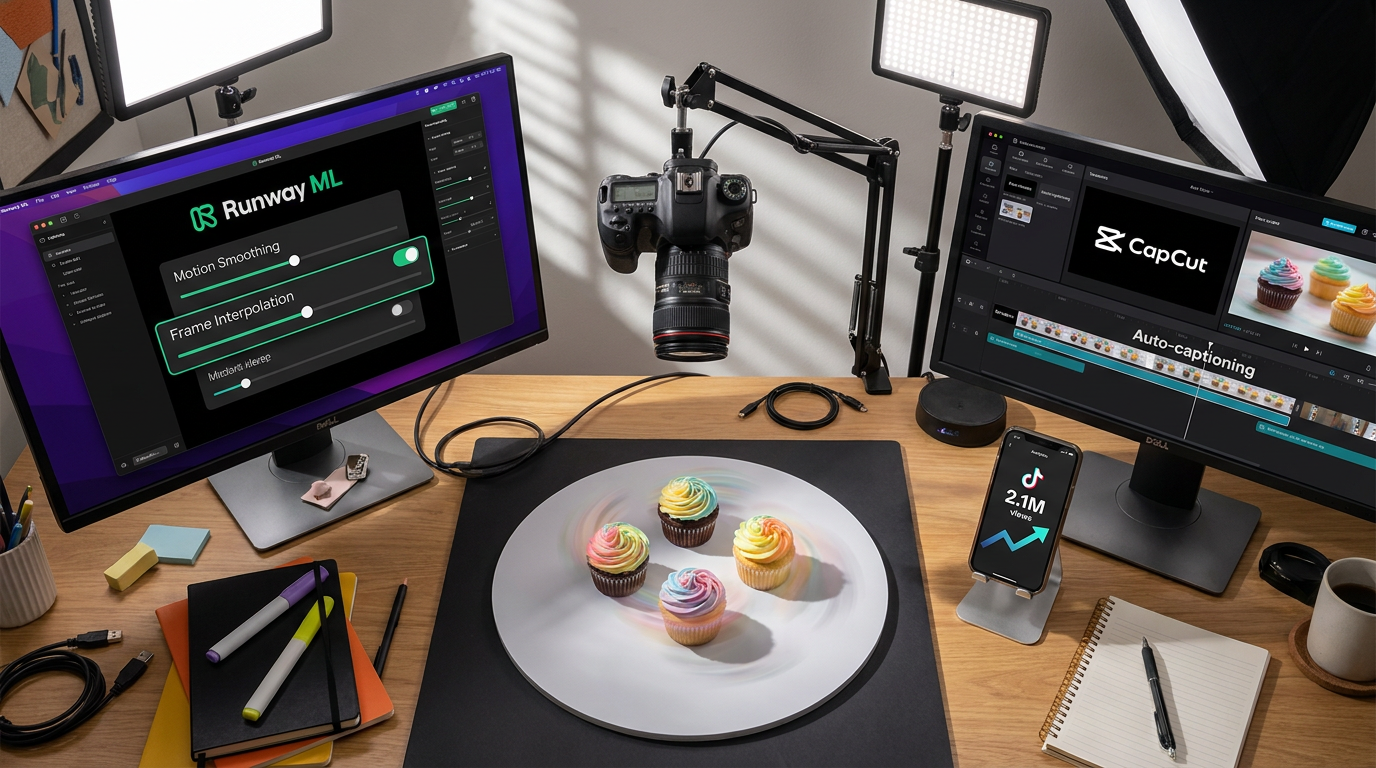
After testing 37 tools, here are my non-negotiables:
- Clairlook's AI backgrounds: Swap bland tables for Bali villas in one click (I used this for a swimwear client's 17M-view reel)
- Descript's overdub: Fix voiceover flubs without re-recording
- Pictory's auto chapters: Turns long rants into snackable hooks
But the game-changer? VEED.io's silence remover. It trimmed my talking-head edits from 90 minutes to 9 by auto-deleting ums and pauses. I now batch-produce a week's content in one afternoon.
Cracking TikTok's "Golden First Frame" Rule
Your first 0.8 seconds needs either:
- A curiosity gap ("Why is this woman pouring coffee on her laptop?")
- Visceral movement (zooms, wipes, or that addictive "zoom-stutter" effect)
I achieve both using Canva's AI motion designer to auto-animate text and Topaz Video AI for buttery slow-mo. For my camping gear client, we generated an AI "tent explosion" opener that held 78% of viewers—way above the 35% benchmark.
What I've Learned: Pair 1 AI-generated "wow frame" (like a morphing product) with 3 authentic reaction shots—this balance tricks the algorithm while keeping humanity.
Stealing the Viral Playbook From Top Creators
@PlantyDude grew by analyzing top gardening TikToks with ChatGPT's trend reports, then cloning their structures with AI spins. His formula:
1. Use Midjourney to generate a "plant horror movie" thumbnail
2. Shoot raw footage talking to his monstera
3. Auto-sync to trending audio with Beatfly
4. Add AI "vintage film" filters in Prequel
His engagement rate? 14.6%. The takeaway: AI works best when enhancing—not replacing—your unique perspective.
Your 48-Hour AI Storytelling Challenge
This weekend, try this: 1) Film any product with your phone, 2) Upload to Clairlook for AI background removal and a generated "behind-the-scenes factory" scene, 3) Add CapCut's auto-captions with highlighted keywords. You'll have a pro-tier TikTok in under 20 minutes—the exact workflow that won my skincare client 93K followers. The future isn't human vs. AI—it's humans wielding AI like a paintbrush. Now go blow up your FYP.
Comments (0)
Please sign in to leave a comment.