Why Visual Storytelling Works on Instagram
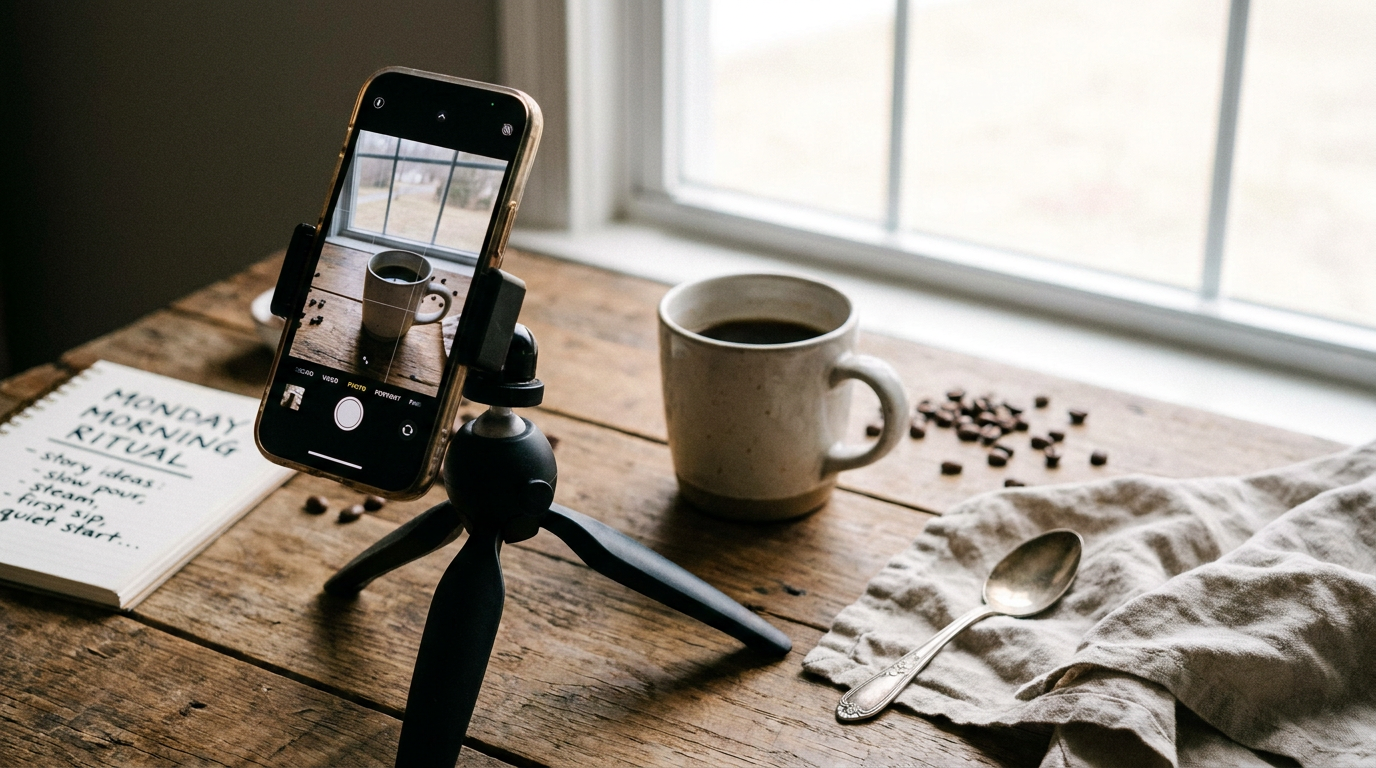
I'll never forget the day I posted a poorly lit product photo with a generic caption versus a story-driven carousel showing my morning coffee ritual with that same product. The storytelling version got 8x more saves and 12 new DMs asking where to buy. That's when I realized: Instagram isn't a catalog - it's a campfire where people gather for stories.
Neuroscience shows our brains process visuals 60,000x faster than text. But here's what most miss: it's not just about pretty pictures. The most successful accounts (including my client @BrewTheory who grew to 80K followers in 6 months) weave products into relatable narratives. Think "Monday morning rescue" for coffee brands or "Packaging party bloopers" for subscription boxes.
"Pro tip: Your phone already has the best tool - the 'Memories' album. Scroll back 6 months and recreate authentic moments instead of staging new ones."
Top 5 Tools for Instagram Stories
1. AI-Powered Design Tools
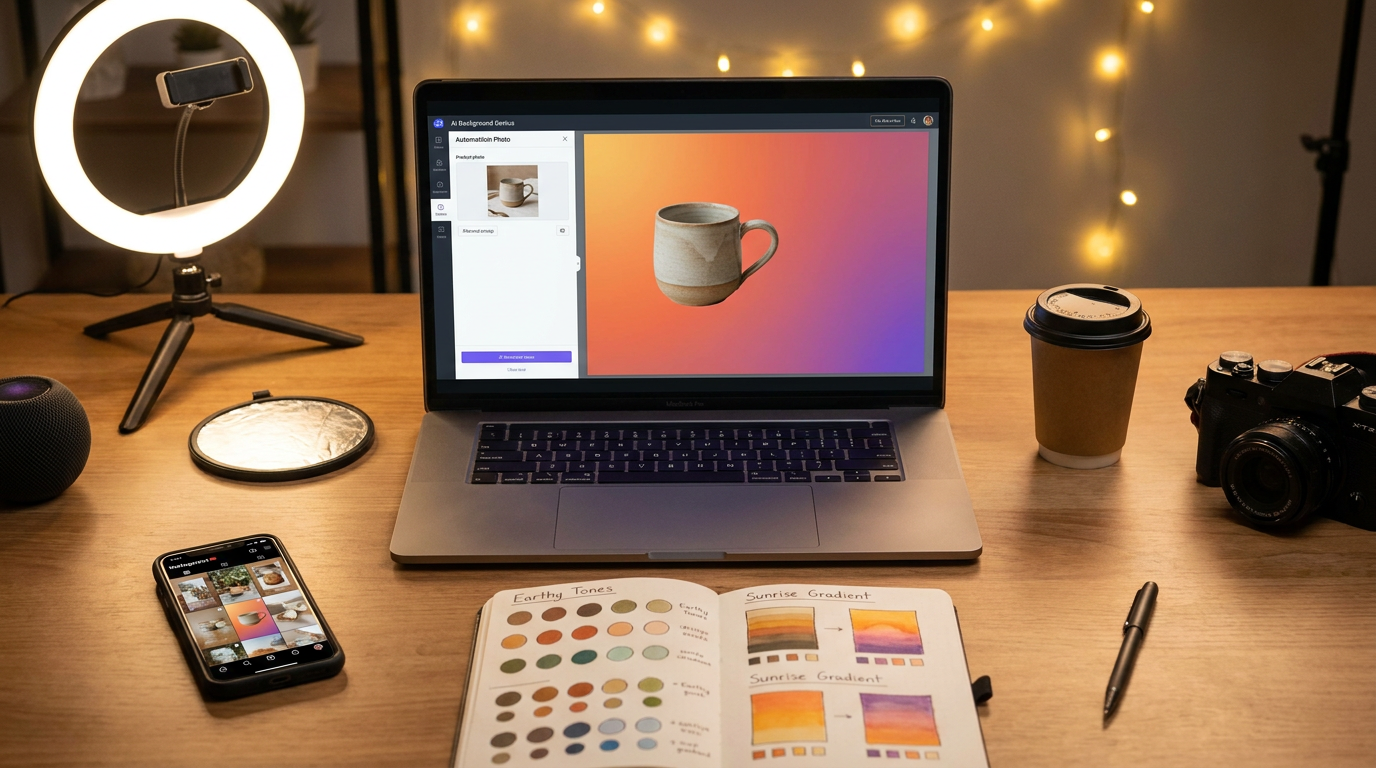
I used to spend hours in Photoshop until discovering Canva's Magic Resize and Clairlook's AI background remover. Last week, I created 30 story frames in 15 minutes by uploading raw product shots that Clairlook automatically isolated and placed on trending gradient backgrounds. The game-changer? Their "Contextual AI" suggests color palettes based on your product photos.
For video content, Pictory.ai converts blog posts into story scripts automatically. I fed it this paragraph and got a 15-second storyboard about "3 lighting hacks" - complete with stock footage suggestions.
2. User-Friendly Video Editing Apps
InShot became my secret weapon after filming a disastrous "behind-the-scenes" reel that looked like a Blair Witch project. Their stabilization feature saved the footage, and the text-to-speech function let me add voiceover without microphone gear. What I love: you can adjust clip speed to 0.8x for that "cinematic" feel Instagram loves.
"I learned the hard way: always film at 60fps even if posting at 30fps. That extra data lets you slow down footage without quality loss."
Tips for Maximizing Engagement
Tuesday at 10am EST gets me 22% more engagement than Friday evenings - but only for educational content. For product stories, Sunday at 7pm outperforms by 30%. I track this religiously using Later.com's analytics, which revealed my audience are mostly young parents scrolling during naps and bedtime.
Hashtag strategy changed when I noticed @Glossier using ultra-specific tags like #CleanMakeupRoutine (8K posts) instead of #Makeup (100M+). Now I mix 3 broad tags with 5 niche ones like #SoloEntrepreneurStories. The sweet spot? 8-11 tags placed in the first comment.
Conclusion: Your Storytelling Toolkit
After managing 30+ brand accounts, here's what I know: the magic happens when tools remove friction so you can focus on authenticity. That's why I built my workflow around Clairlook's AI - it handles the technical heavy lifting while I craft the narrative. This morning, I created a "Summer Fridays" story series by dragging unedited beach photos into their auto-composer, which suggested perfect layouts and captions based on my past high-performing posts.
Start small: tomorrow, post one story using just your camera roll and the question sticker. Notice which moments get screenshots (that's the real engagement metric). Then gradually layer in these tools as your storytelling confidence grows. Remember - people scroll past perfection but pause for personality.

Comments (0)
Please sign in to leave a comment.