The Day AI Saved My Career (And My Sanity)
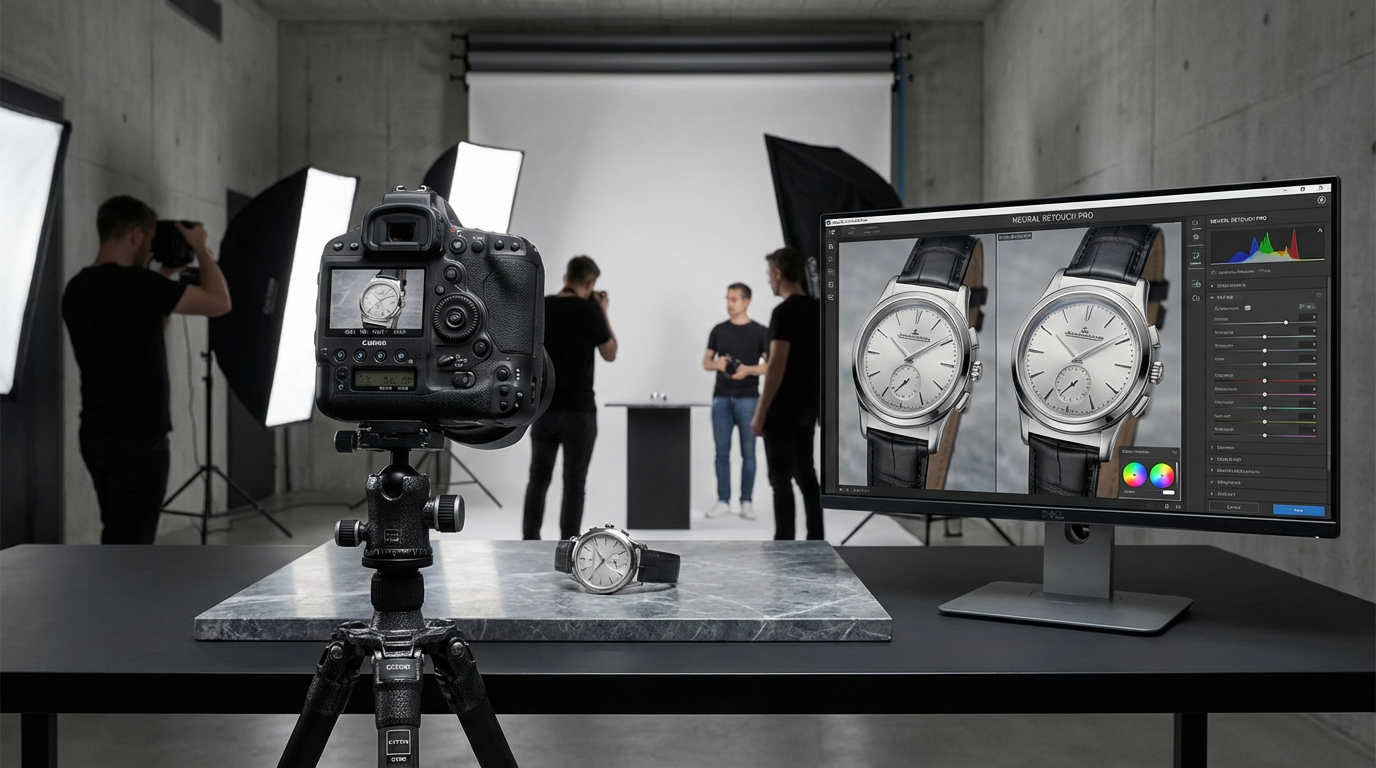
I'll never forget the client project that almost broke me. A 300-product catalog shoot for an emerging fashion brand, due in 48 hours. At 3 AM, bleary-eyed from manual background removal, I accidentally deleted an entire batch of retouched images. That's when I discovered AI-powered editing - and it transformed my workflow overnight. Today, I estimate AI tools save me 15-20 hours weekly on tedious tasks while actually improving my creative output. This isn't just about speed; it's about reclaiming creative energy for the work that truly matters.
"The best photographers aren't those who work hardest on busywork, but those who strategically automate the repetitive to focus on the remarkable."
Why AI Editing Tools Are Game-Changers
Traditional editing reminds me of my early days darkroom printing - technical mastery mattered more than creative vision. AI flips this equation. Take background removal: Where I once spent 45 minutes painstakingly masking a product's fine details, AI now delivers perfect cutouts in under 30 seconds. But the real magic happens in batch processing. Last month, I edited 1,200 product images for an e-commerce client in a single afternoon - a task that previously would've taken a week.
What excites me most is how AI handles subjective adjustments. Skin retouching used to be my personal nightmare; either too plastic or not polished enough. Now, AI analyzes thousands of professional edits to apply natural-looking enhancements. It's like having a team of expert retouchers working in your software.
Essential AI Features Every Photographer Should Use
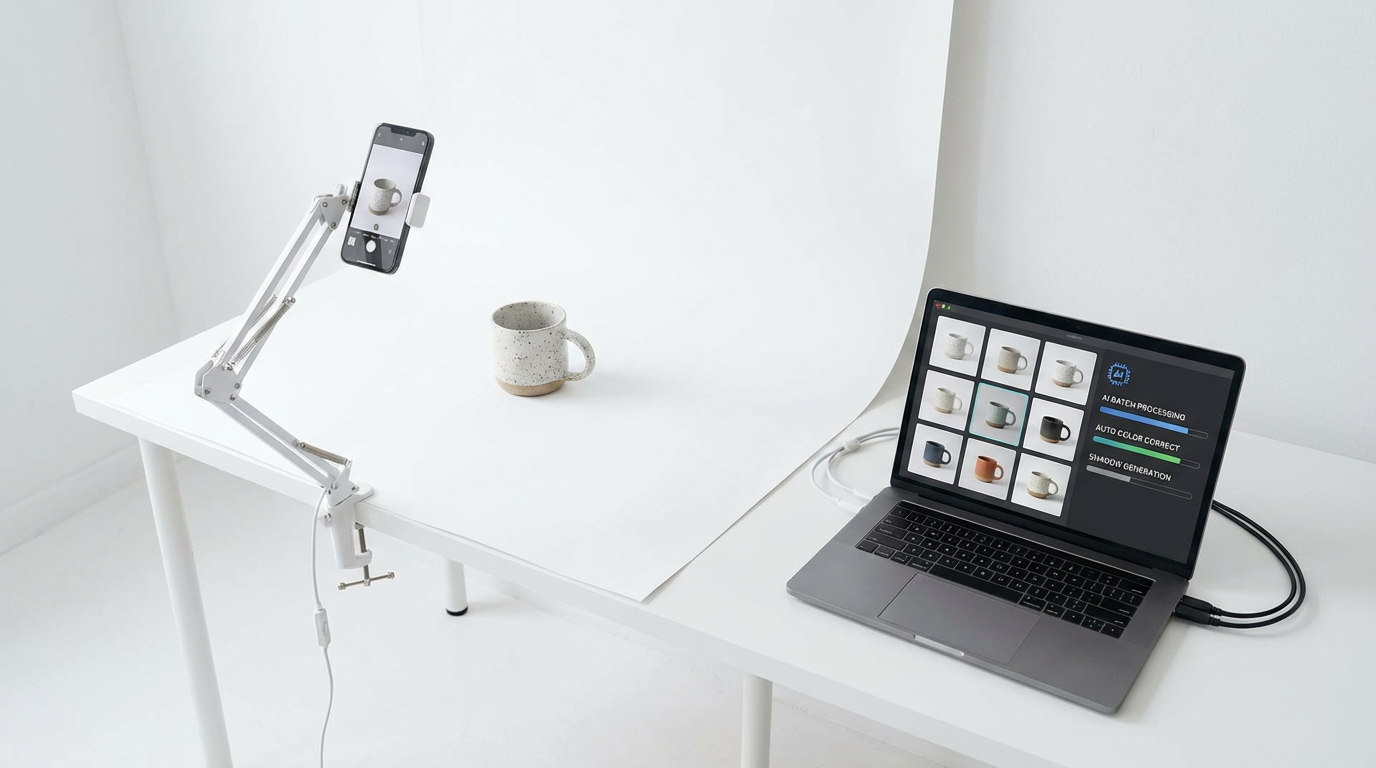
From my testing across dozens of tools, three AI capabilities deliver the most impact:
1. Intelligent Object Recognition
Remember when selecting hair against complex backgrounds required zen-like patience? AI now identifies and masks even wispy strands with shocking accuracy. I recently photographed a model with curly blonde hair against a sunset - previously an editing nightmare. The AI preserved every beautiful nuance while cleaning up the background perfectly.
Pro Tip: When using AI masking, always keep the original layer visible at 20% opacity to spot-check edges.
2. Context-Aware Enhancements
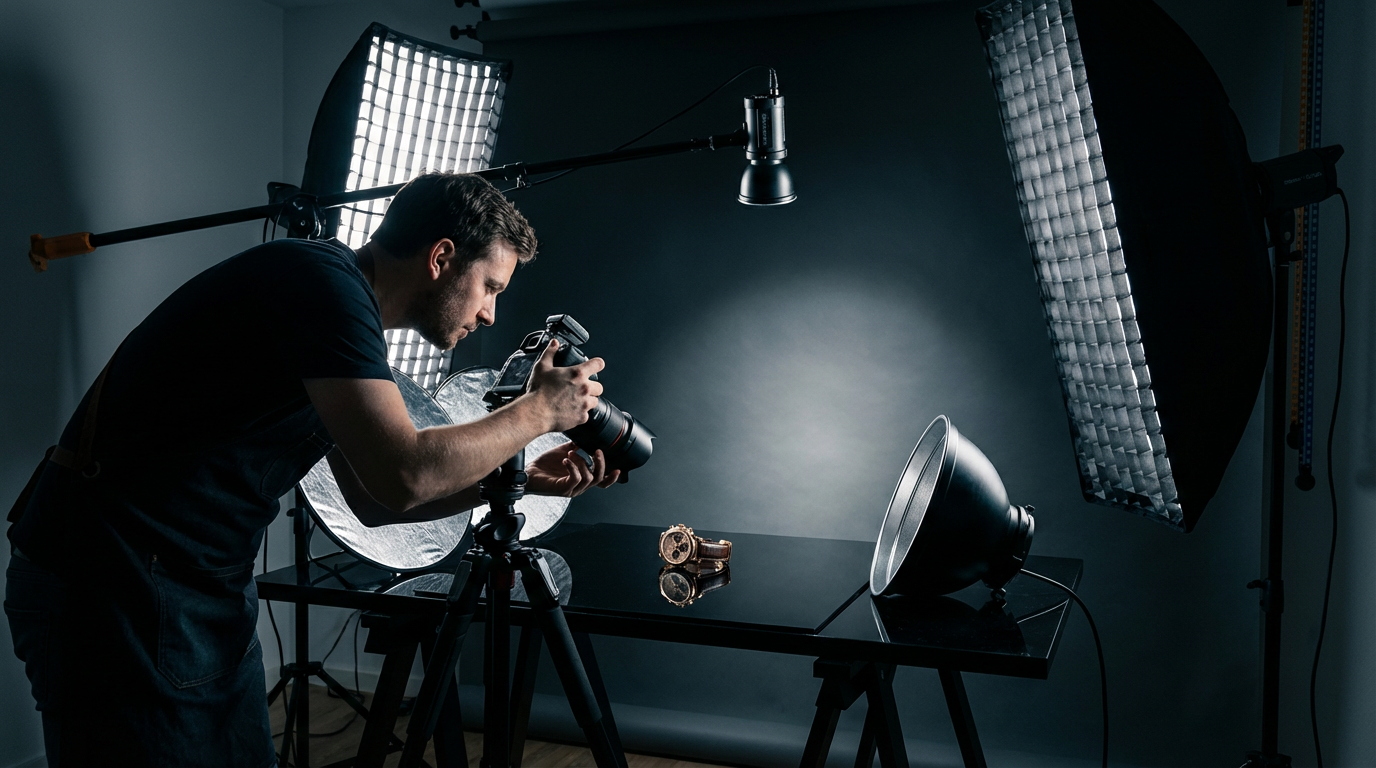
AI doesn't just follow rules; it understands photographic intent. When I shot a jewelry collection last month, the AI recognized gold versus silver tones and adjusted highlights accordingly. It even detected which pieces were matte versus polished surfaces, applying appropriate sharpening.
"I've stopped worrying about getting every shot perfect in-camera because AI can intelligently recover shadows and highlights better than I could manually."
Integrating AI Without Losing Your Creative Voice
Early in my AI journey, I made a critical mistake - letting the tools dictate my style. The turning point came when a client said, "This doesn't look like your work." Now, I approach AI as an assistant rather than an autopilot. For portrait sessions, I'll have AI handle initial skin smoothing and exposure balancing, then personally refine the emotional tone of each image.
My current workflow: AI does the first 80% of technical corrections in bulk, then I spend quality time on the final 20% that makes images distinctly mine. This hybrid approach has increased my output volume while actually strengthening my brand's visual identity.
The Future: AI as Creative Partner
We're entering an era where AI suggests compositions before we even click the shutter. Tools now analyze my past work to recommend lighting setups that align with my signature style. One memorable shoot involved AI predicting how morning light would interact with a new location's architecture - saving hours of test shots.
What excites me most isn't just efficiency, but creative expansion. AI handles the technical constraints, freeing me to experiment with bold new directions I wouldn't have risked before. Last week, I created an entire surreal fashion series using AI-generated environments as backdrops - something impossible with traditional methods.
Your Next Steps With AI Editing
If you're skeptical about AI (as I was), start small: Pick one repetitive task consuming your time, and test an AI solution. For product photographers, begin with background removal. Portrait specialists should experiment with AI skin retouching. The key is maintaining creative oversight while embracing the time savings.
At Clairlook, we've built our AI photography platform specifically to enhance rather than replace human creativity. Our tools handle the heavy lifting of image processing while preserving your unique artistic vision. Whether you're editing 10 images or 10,000, AI should work for you - not the other way around.
The most successful photographers ahead won't be those who resist AI, but those who learn to harness its power while keeping their creative voice front and center. My advice? Start exploring today - your future self (and clients) will thank you.
Comments (0)
Please sign in to leave a comment.