Understanding Basic Color Harmonies
Color harmonies are the foundation of every visually compelling photograph. As a photographer, I remember the first time I consciously used complementary colors - placing a vibrant orange life vest against deep blue ocean waters. The result was magical, creating instant visual tension that drew viewers straight to my subject.
The color wheel reveals three fundamental harmonies every photographer should know. Complementary colors (opposites on the wheel) create dynamic contrast, while analogous colors (neighbors) produce serene, cohesive looks. Triadic schemes (three evenly spaced colors) offer balanced vibrancy perfect for lifestyle photography. At Clairlook, we've found these harmonies work exceptionally well in AI-generated product scenes where color control is paramount.
Applying Color Theory to Photography
Color does more than please the eye - it tells stories. Warm reds and yellows evoke energy and passion (perfect for food photography), while cool blues and greens suggest tranquility (ideal for spa products). I once transformed a dull product shoot by simply changing the background from gray to a muted teal that complemented the product's gold accents.
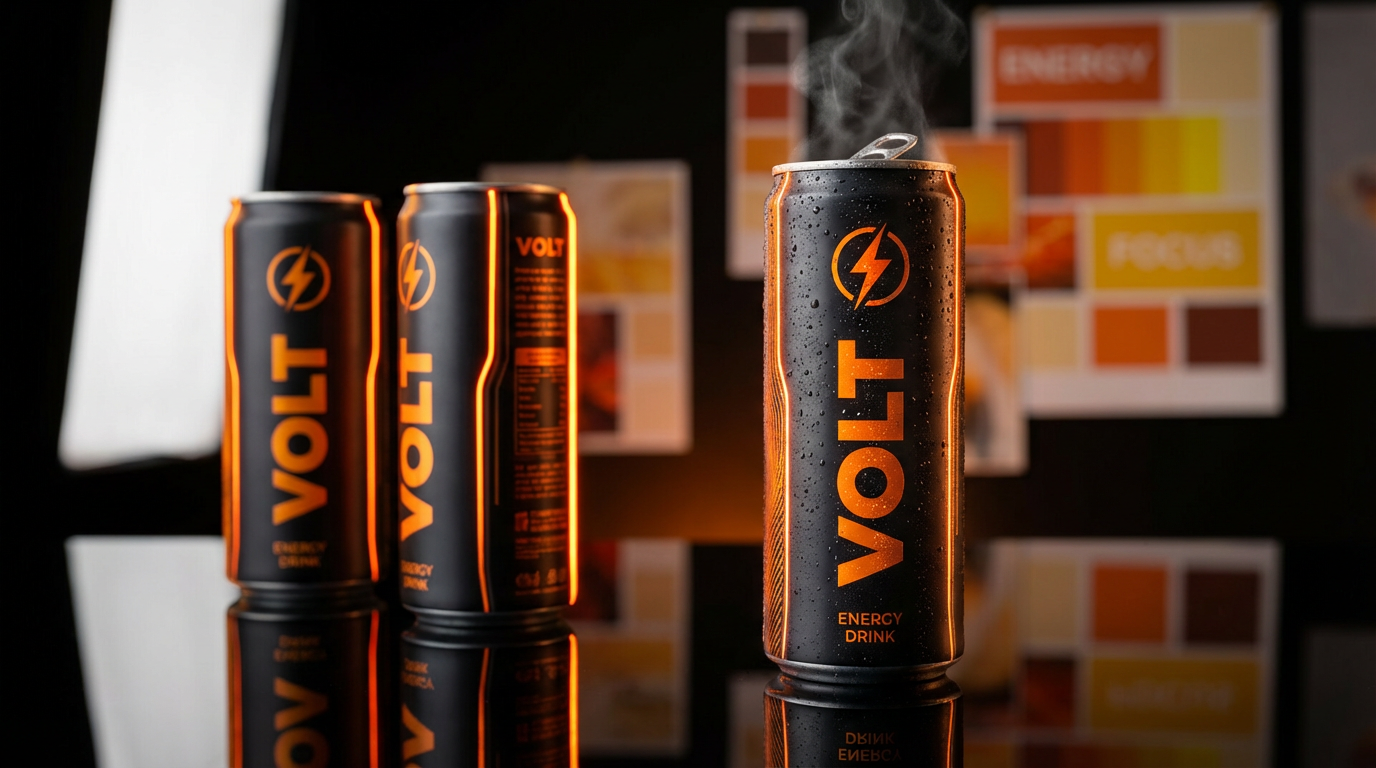
Professional photographers use color harmonies to guide the viewer's eye. A monochromatic scheme with one accent color creates natural focus points. When using our AI background replacement tool, we recommend choosing harmonious colors that enhance rather than compete with your product. The most successful e-commerce photos often use analogous backgrounds with complementary accent elements.
Tools for Creating Color Palettes
Modern photographers have incredible tools at their fingertips. Adobe Color remains my personal favorite for exploring harmonies, while Coolors offers lightning-fast palette generation. But here's a pro tip: some of my best palettes come from extracting colors from unexpected sources - a sunset photo, vintage fabric, or even a well-designed product label.
At Clairlook, we've built color intelligence right into our AI photography platform. Our system suggests harmonious palettes based on your product colors, and can even extract dominant colors from your inspiration images. This saves hours of manual color matching while ensuring professional-grade results every time.
Common Mistakes to Avoid
The biggest mistake I see? Overdoing saturation. Vibrant colors attract attention, but without harmony they create visual chaos. I learned this the hard way when a client rejected a series of product photos where every element competed for attention. Now I use tools like HSL sliders to carefully balance intensity across my color scheme.
Another pitfall is ignoring color psychology. That vibrant red background might look striking, but is it appropriate for your organic skincare line? Always consider your brand message and target audience. With Clairlook's AI tools, you can preview different color schemes instantly to find the perfect emotional tone for your product.
Conclusion
Mastering color harmonies transforms good photos into extraordinary ones. Whether you're shooting manually or using AI-powered tools like Clairlook, understanding these principles will elevate your work immediately. Want to see how effortless professional color grading can be? Try our platform's smart color matching features - your products deserve colors that work as hard as you do.


Comments (0)
Please sign in to leave a comment.