Introduction to AI-Powered Landscape Enhancements
We've all been there - you return from an incredible trip with hundreds of landscape photos, only to find they look flat and lifeless compared to your memories. The truth is, even professional photographers rarely get perfect shots straight out of camera. That's where AI photo enhancement tools shine, especially for landscape photography where lighting conditions change rapidly.
At Clairlook, we've found AI particularly excels at three landscape transformations: sky replacements that don't look fake, intelligent contrast adjustments that preserve detail, and color grading that maintains natural tones. Unlike manual editing which requires hours of masking and layer work, AI analyzes the entire image contextually - understanding that a mountain ridge needs different enhancement than a foreground meadow.
Before & After: Real Examples
Example 1: Enhancing Sky and Clouds
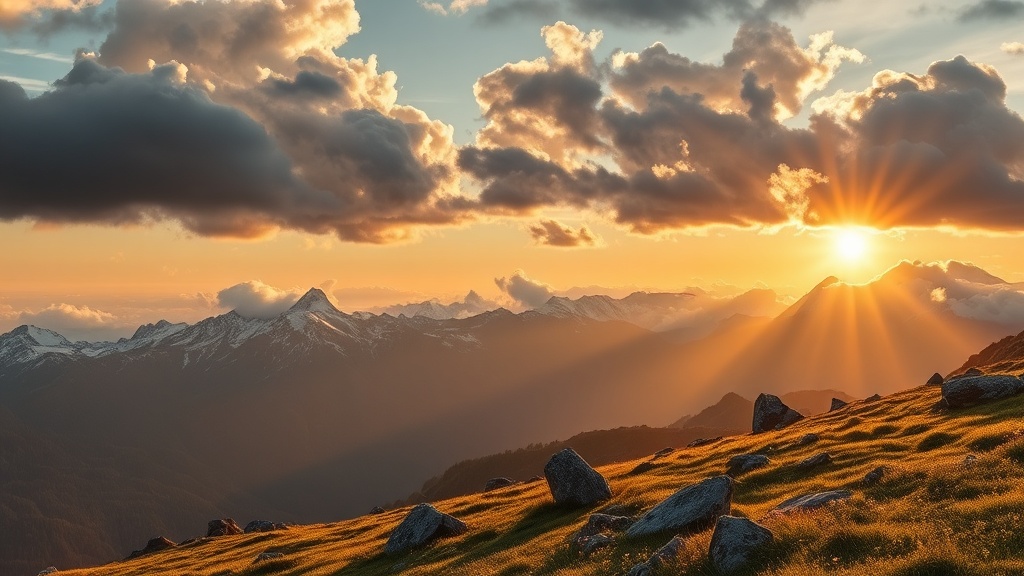
One of our client's Swiss Alps photo had perfect composition but suffered from overcast skies. Using AI sky replacement, we maintained realistic light interaction where mountain peaks met clouds. The key was adjusting the 'sky blending' parameter to 67% for natural-looking transitions.
Example 2: Adding Depth and Contrast
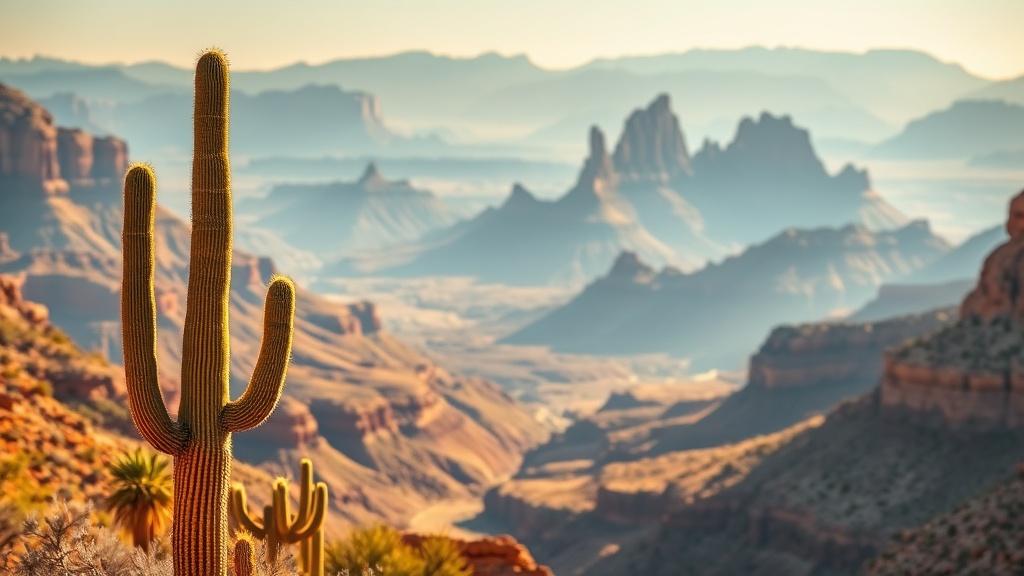
A flat Arizona desert scene gained incredible dimension through AI's '3D depth mapping'. The tool intelligently darkened distant buttes while brightening foreground cacti, creating natural atmospheric perspective we'd normally achieve with graduated filters.
Step-by-Step AI Transformation Guide
Start by choosing AI tools specifically trained on landscapes - general-purpose editors often over-sharpen terrain. We recommend beginning with these three adjustments:
- Dynamic range expansion (set to 70-80% for natural results)
- Selective color boosting (target only muted areas)
- Intelligent noise reduction (preserves texture in foliage)
Avoid the common mistake of maxing out all sliders - subtlety is key. We recently transformed a client's washed-out coastal photo by applying just 40% 'water enhancement' and 55% 'clarity', creating a dramatic yet believable seascape.
Conclusion
AI doesn't replace the photographer's eye - it enhances it. These tools allow us to quickly achieve what would take hours in Photoshop, while maintaining the authentic feel of the original scene. For e-commerce sellers needing vibrant product-backdrop images, Clairlook's AI background replacement can instantly place items in these enhanced landscapes. Try our free demo to see how AI can elevate your visual content.
Comments (0)
Please sign in to leave a comment.