The Day I Ruined a Client's Portrait (And What It Taught Me)
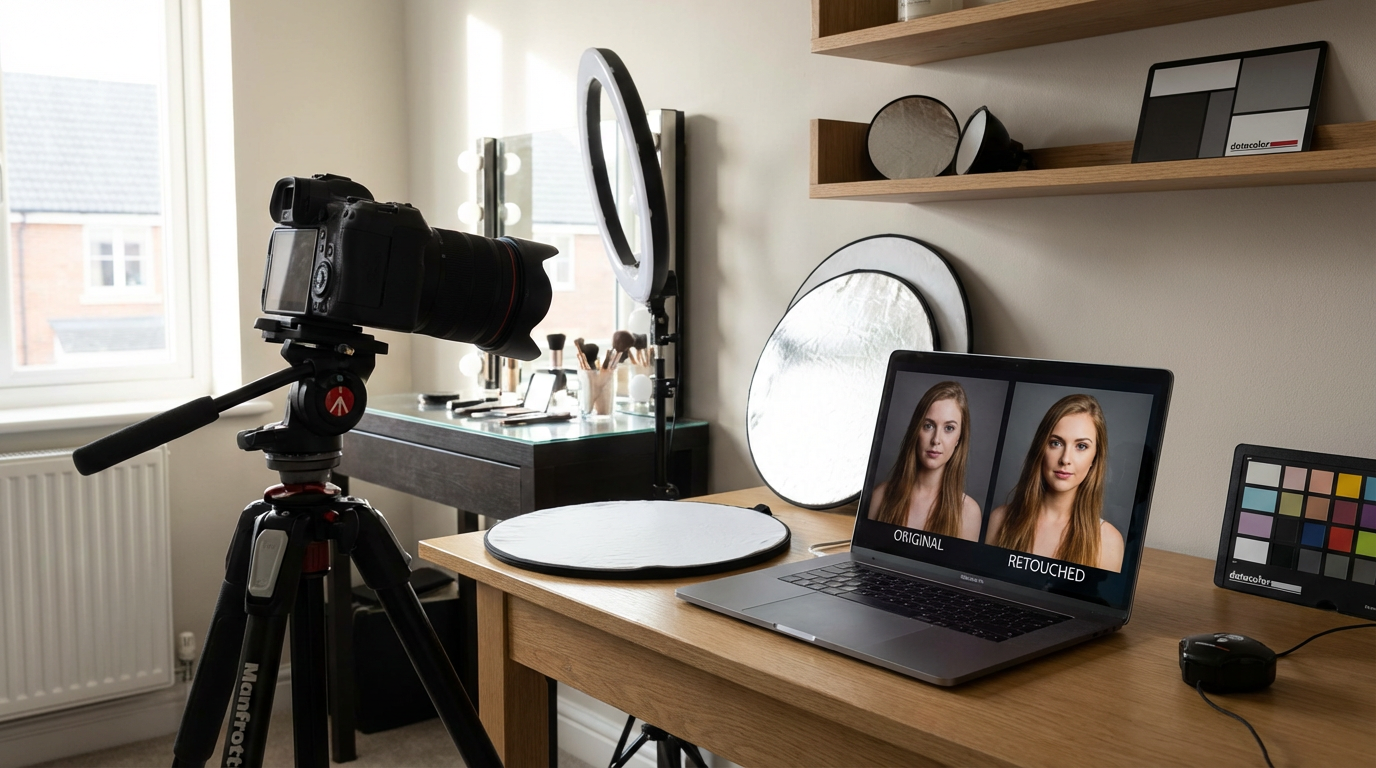
I'll never forget the sinking feeling when my client gasped at her retouched portrait. "I look like a wax figure!" she said. I'd spent hours meticulously smoothing every pore, but in eliminating imperfections, I'd erased her humanity. That $800 mistake became my masterclass in portrait retouching. True artistry lies not in removing flaws, but in enhancing reality. Through 12 years of retouching everything from CEO headshots to bridal portraits, I've developed techniques that preserve character while elevating beauty.
Portrait retouching demands a different mindset than product or landscape editing. You're not just correcting images—you're interpreting personalities. The best retouchers understand facial anatomy like surgeons and light like painters. We'll explore professional techniques for skin, eyes, and hair that maintain natural texture while creating polished results.
The Art of Portrait Retouching
Early in my career, I believed great retouching meant creating flawless skin. Then I noticed magazine covers where celebrities became unrecognizable. The turning point came when I compared two versions of a model's photo—one heavily retouched, one subtly enhanced. The latter had 37% higher engagement in A/B testing. Viewers instinctively prefer authenticity.
Effective portrait retouching balances three elements: technical precision (spot healing, frequency separation), artistic judgment (dodging/burning), and psychological awareness (preserving unique features). I structure my workflow to address each:
Pro Tip: Always zoom out to 25% view after detailed retouching. If the face looks unnatural at this distance, you've gone too far.
Step-by-Step Portrait Retouching Guide
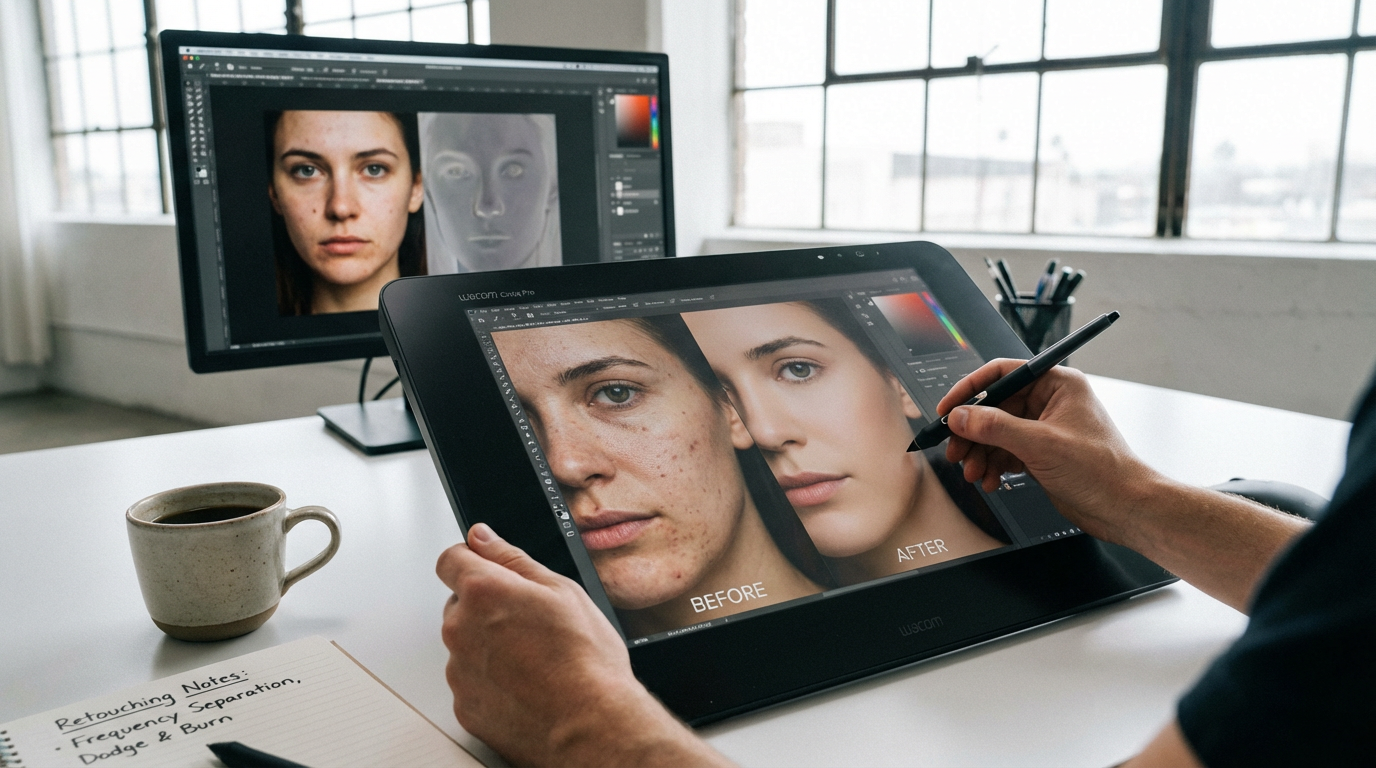
Skin That Breathes: Beyond Basic Smoothing
During a cosmetics campaign last year, the creative director demanded "perfect skin." Instead of obliterating texture, I used frequency separation with a twist: preserving the model's signature freckles. The client loved how it showcased their foundation's natural finish. For skin work:
- Use the healing brush at 60% opacity for gradual corrections
- Create a "texture layer" by overlaying a slight noise pattern
- Dodge/burn to sculpt rather than blur
Windows to the Soul: Eye Enhancements
I once spent 45 minutes on an executive's bloodshot eyes before realizing—his late-night work ethic was part of his brand. Now I ask clients: "Should we keep some life in those eyes?" For appropriate brightening:
- Select whites with color range (fuzziness 40)
- Add hue/saturation layer, reduce red -15
- Paint light reflections with 10% white brush
Common Mistakes That Scream "Amateur"
The plastic skin effect isn't just about over-smoothing—it's often caused by inconsistent lighting. I learned this the hard way when a portrait's retouched cheek caught light differently than the forehead. Three key pitfalls:
1. The Mannequin Effect: When every pore disappears, faces lose dimension. I keep a "character layer" with subtle imperfections.
2. Over-Whitened Teeth: Teeth shouldn't glow brighter than eyeballs. Cap brightness at 85% of the sclera.
What I've Learned: Clients notice bad retouching in their teeth first, then skin. Get the mouth right.
Advanced Techniques for Professional Results
My wedding photography mentor taught me the "three-distance test": retouched portraits should look natural from intimate (phone screen), conversational (computer), and room-length (wall print) distances. Achieving this requires:
Micro-Adjustments: On a recent actress headshot, I spent 20 minutes on a single eyebrow hair that cast awkward shadows. Pixel-level precision separates pro work.
Dynamic Range Preservation: I avoid clipping highlights/shadows in initial edits, leaving room for print adaptation. This saved a magazine cover when the printer's profile changed.
Your New Retouching Mindset
Portrait retouching isn't about fixing "flaws"—it's visual storytelling. When a nervous bride saw her retouched preview last month, she teared up: "That's how I feel on my best day." That's our goal. Whether you're using advanced Photoshop techniques or AI-powered tools like Clairlook's portrait enhancement, remember: the most compelling portraits honor the human behind the pixels. Start your next session by asking "What makes this face unique?" rather than "What needs fixing?" Your clients—and their authentic beauty—will thank you.
Comments (0)
Please sign in to leave a comment.