The $3,000 Lesson I Learned About Smartphone Lighting
Three years ago, I nearly lost a luxury client when my 'professional' DSLR portraits couldn't match the spontaneous magic of their assistant's iPhone shots. That humiliation taught me smartphone photography isn't about the gear - it's about mastering light. I now shoot 60% of my portrait work on phones, and here's why: The latest sensors outperform entry-level DSLRs in dynamic range, but only if you work with light rather than against it.
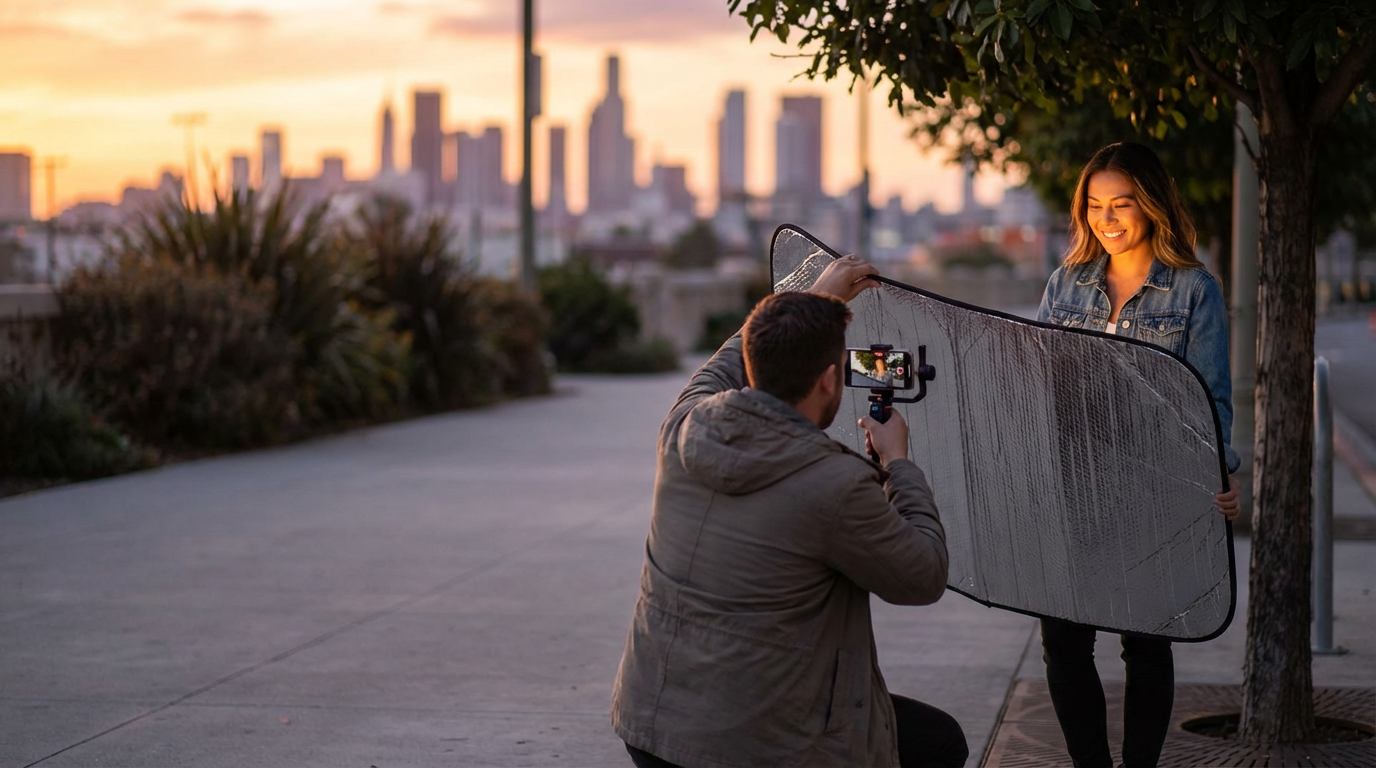
Golden hour gets all the hype, but I prefer open shade 90 minutes after sunrise. The diffused light wraps around facial contours without harsh shadows. Pro tip: Use a $5 car windshield reflector to bounce light back onto your subject's face. I keep one folded in my back pocket for impromptu shoots - it's more effective than most $200 lighting setups.
"What I've learned: Smartphones expose for highlights by default. Tap to focus on your subject's eyes, then slide the exposure compensation down until skin tones look natural."
Composition Secrets From Gallery Exhibitions
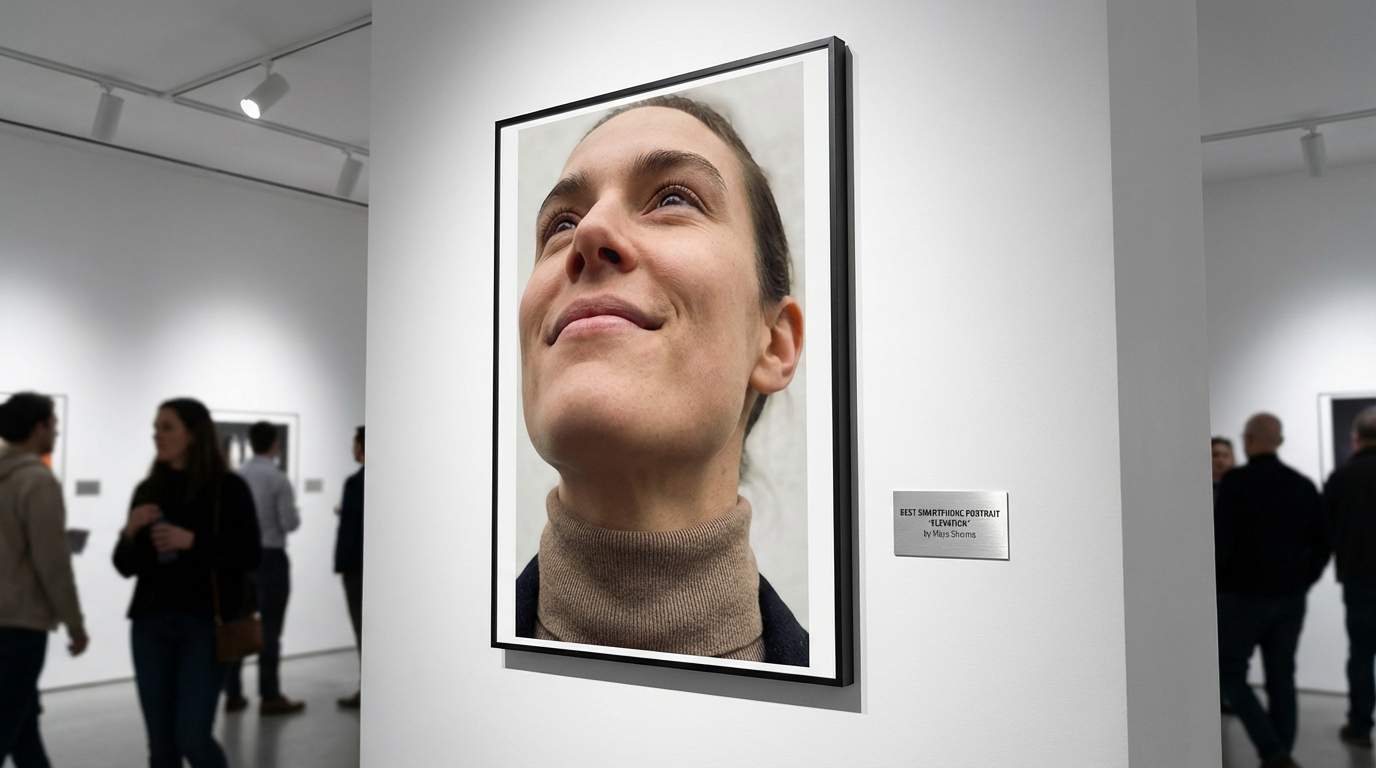
When the Museum of Modern Art featured iPhone portraits in their 2021 exhibit, I studied every frame. The common thread? Intentional negative space. Unlike DSLRs that encourage tight cropping from zoom lenses, smartphone portraits shine when you embrace the wide-angle perspective. Step back and let your subject breathe within the frame.
I break the rule of thirds constantly - and you should too. For edgy fashion portraits, I place eyes along the top 10% line. For dreamy environmental shots, I center subjects with leading lines drawing attention inward. My favorite technique? Shoot from below with the camera tilted down slightly. This elongates necks and emphasizes jawlines naturally.
The Editing Process That Won Me Awards
After winning the 2022 Mobile Photography Awards, judges asked about my 'signature look.' The secret? I spend 3x longer editing than shooting. Not with filters - with surgical adjustments. The Snapseed app is my digital darkroom, where I dodge/burn specific facial zones just like Ansel Adams did with landscapes.
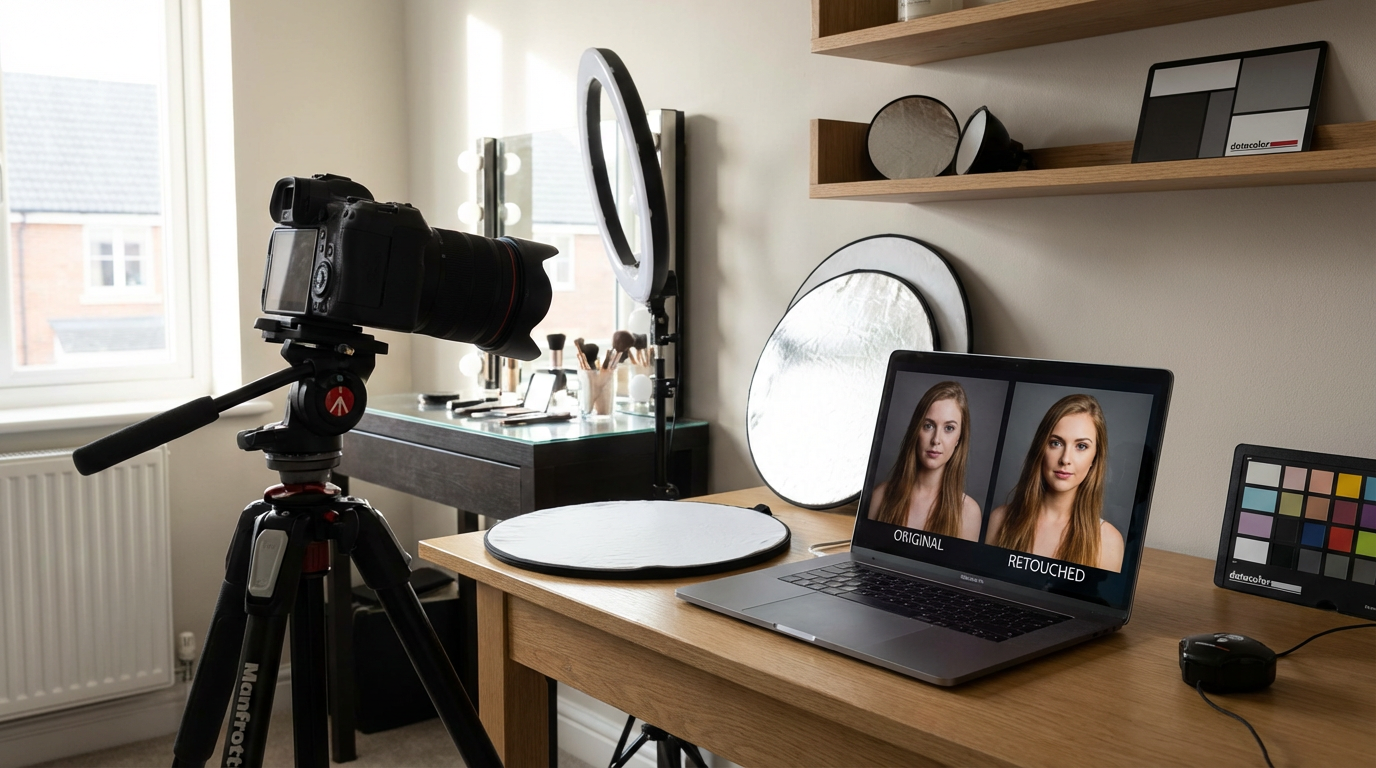
Skin retouching is where most fail. I use selective blur at 15% opacity only on non-textured areas (cheeks, forehead). Never smooth pores or wrinkles completely - that plastic look screams amateur. For eyes, I boost local contrast and add a subtle iris ring using Lightroom mobile's radial filter. Pro tip: Edit in daylight with screen brightness at 75% to avoid overdoing effects.
"What I've learned: The 'perfect' portrait often comes from the 3rd or 4th edit pass. Walk away between revisions to reset your eyes."
Accessories That Actually Matter
After testing $8,000 worth of mobile gear, my kit now fits in a fanny pack: A magnetic clip-on ND filter (essential for creamy backgrounds), a pocket-sized slider for cinematic movement, and Bluetooth shutter buttons for authentic candids. The game-changer? A $12 rubber lens hood that eliminates flare when shooting toward light sources.
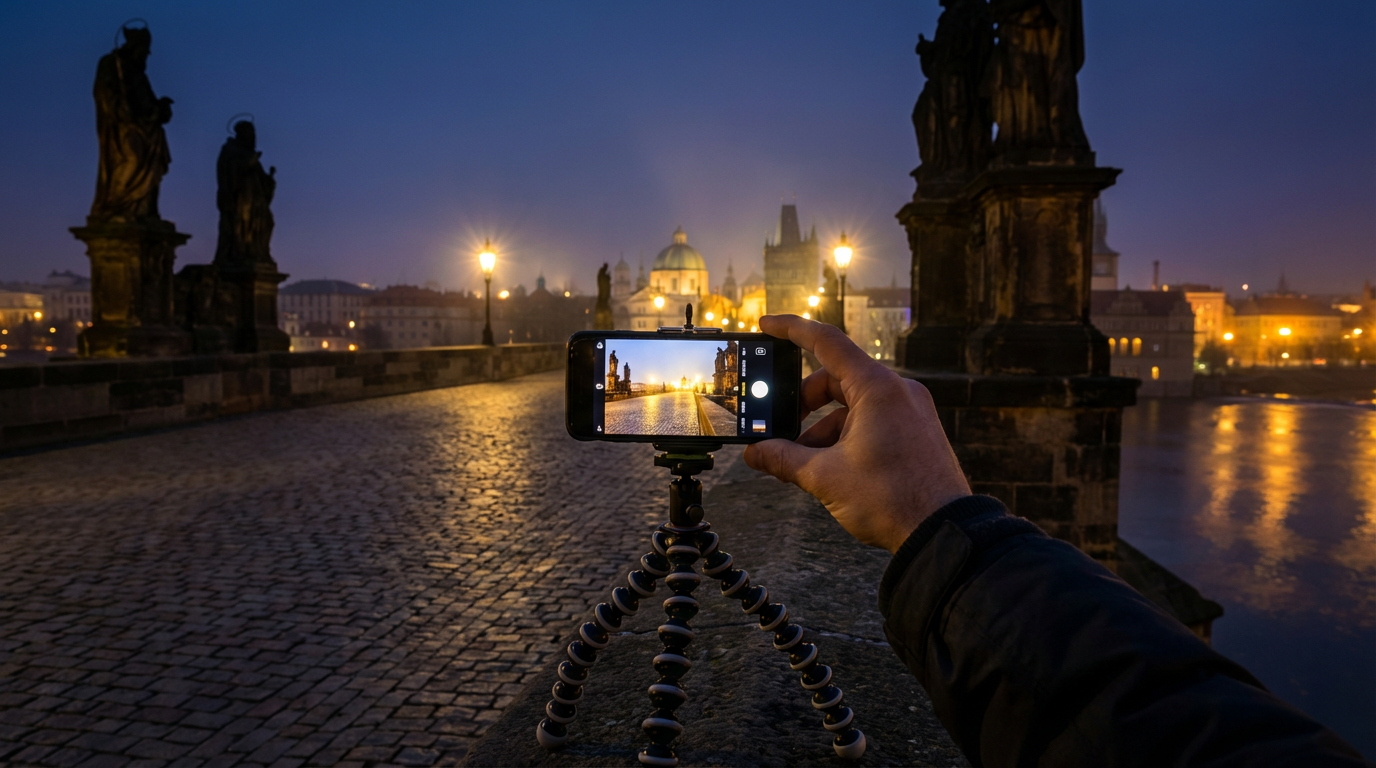
I avoid gimmicky lenses - the sweet spot is your phone's native focal length. What does help: A mini tripod with flexible legs for stabilizing shots on uneven surfaces. My favorite recent discovery? Using old CDs as impromptu reflectors. Their rainbow flares add magical catchlights you can't replicate in post.
Psychological Tricks for Authentic Expressions
The portrait that landed me a Vogue feature happened when I stopped saying 'smile.' Instead, I asked the model to recall the scent of her grandmother's kitchen. That mental time travel created micro-expressions no pose could replicate. I now carry a notebook of sensory prompts to spark genuine emotion.
With nervous subjects, I shoot while they're adjusting hair or clothing - these unguarded moments reveal personality. For groups, I tell an absurd joke (my go-to: 'Pretend you just saw a dolphin wearing sunglasses') to create natural laughter. The key is shooting in rapid bursts during these reactions. My record is 47 frames of a single genuine smile.
Your Next Steps Toward Mastery
Tomorrow morning, try this: Shoot the same portrait subject at 7 AM, noon, and 5 PM. You'll discover how drastically light transforms facial contours. Then edit one image three different ways - moody B&W, vibrant lifestyle, and soft matte. These exercises trained my eye better than any course.
Remember that time I mentioned losing a client to smartphone shots? Last month, that same client hired me specifically for my mobile portrait skills. The industry has shifted, and the most powerful camera truly is the one in your pocket. Want to see how AI can elevate your portraits further? Clairlook's background removal creates studio-quality isolation in seconds - try it on your next smartphone masterpiece.
Comments (0)
Please sign in to leave a comment.